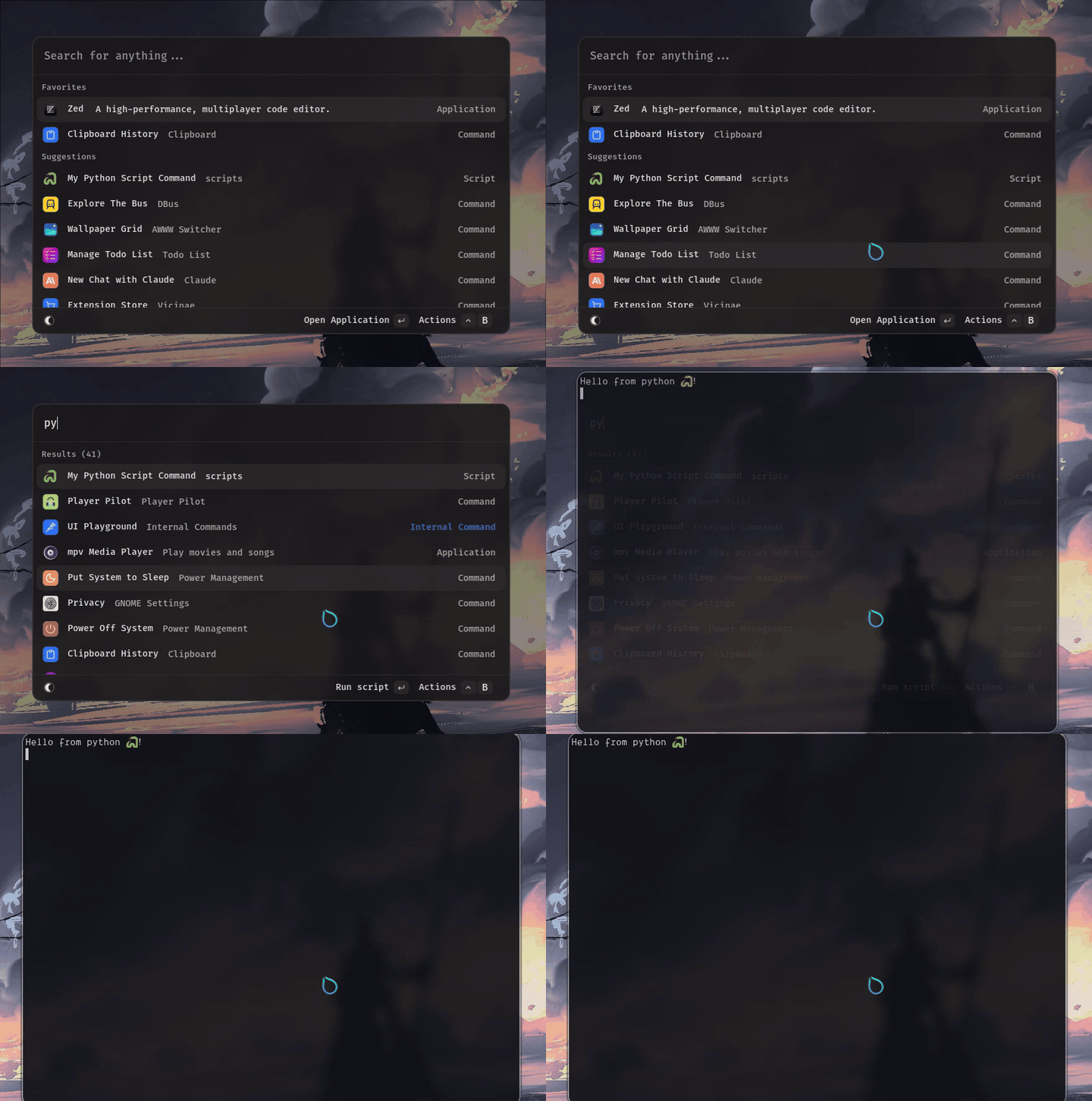
Output modes control how script results are displayed in Vicinae. Choose the mode that best fits your script's purpose and output type.
Output Modes
Full output
The output of the script is displayed in a new view. Text can be selected and copied from there.
This mode supports basic ANSI color codes. This means you can use basic colors in your output and have them render properly. This is, for now, exclusive to this output mode.
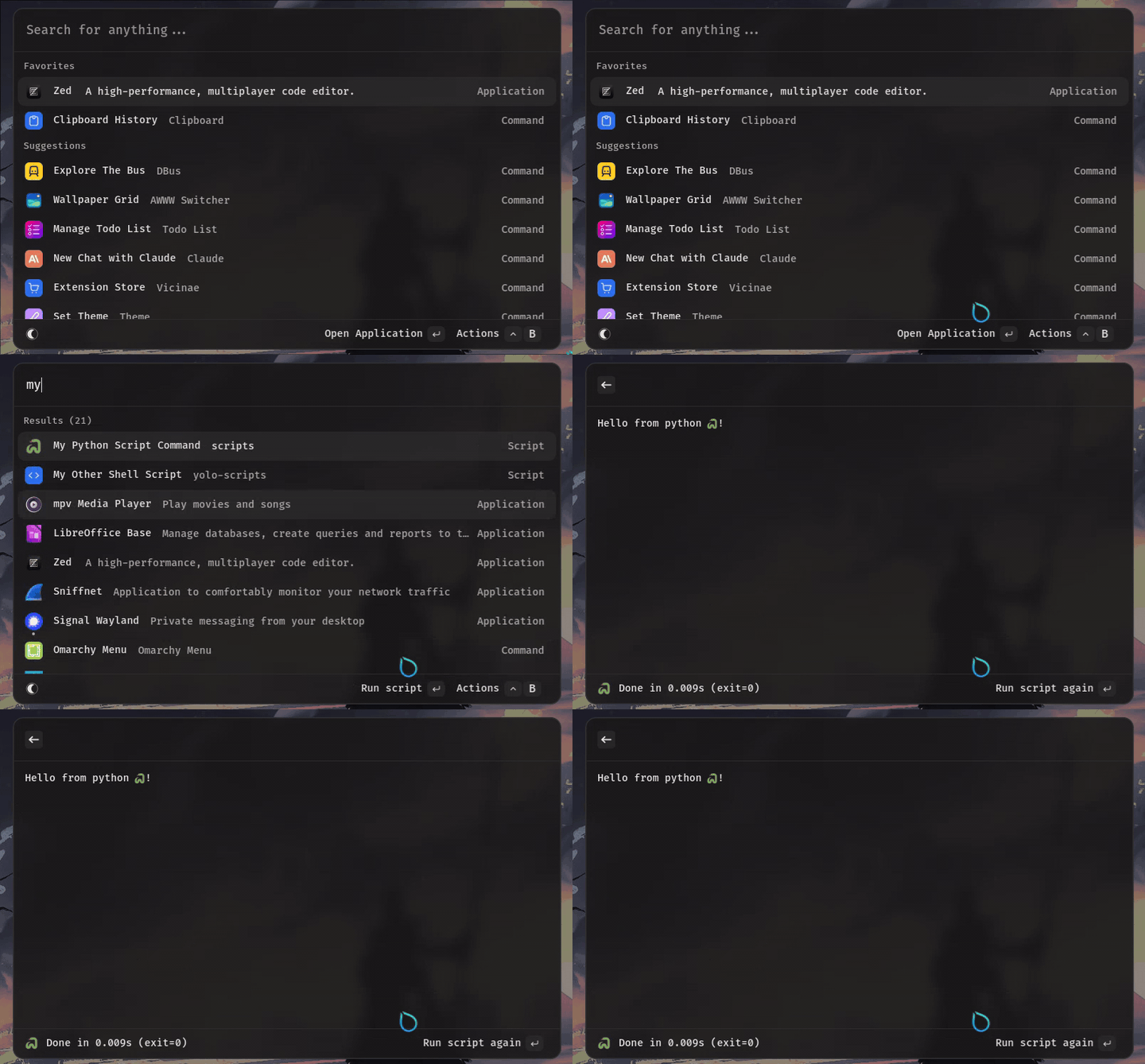
Silent
The first output line of the script is shown in a little HUD after the window is closed.
Only available if Vicinae is using layer shell to position itself on the desktop
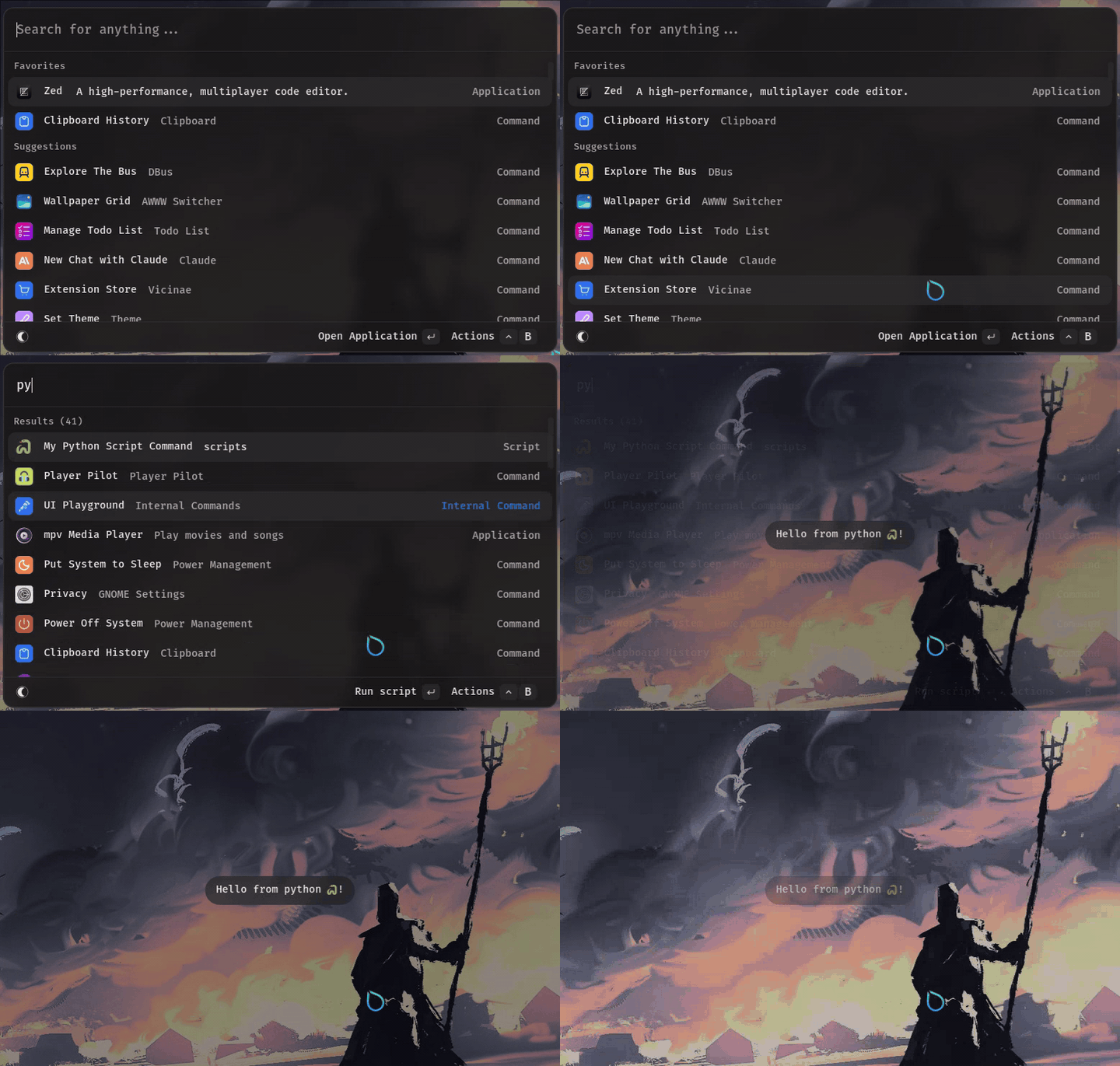
Compact
The first output line of the script is shown in a toast notification.
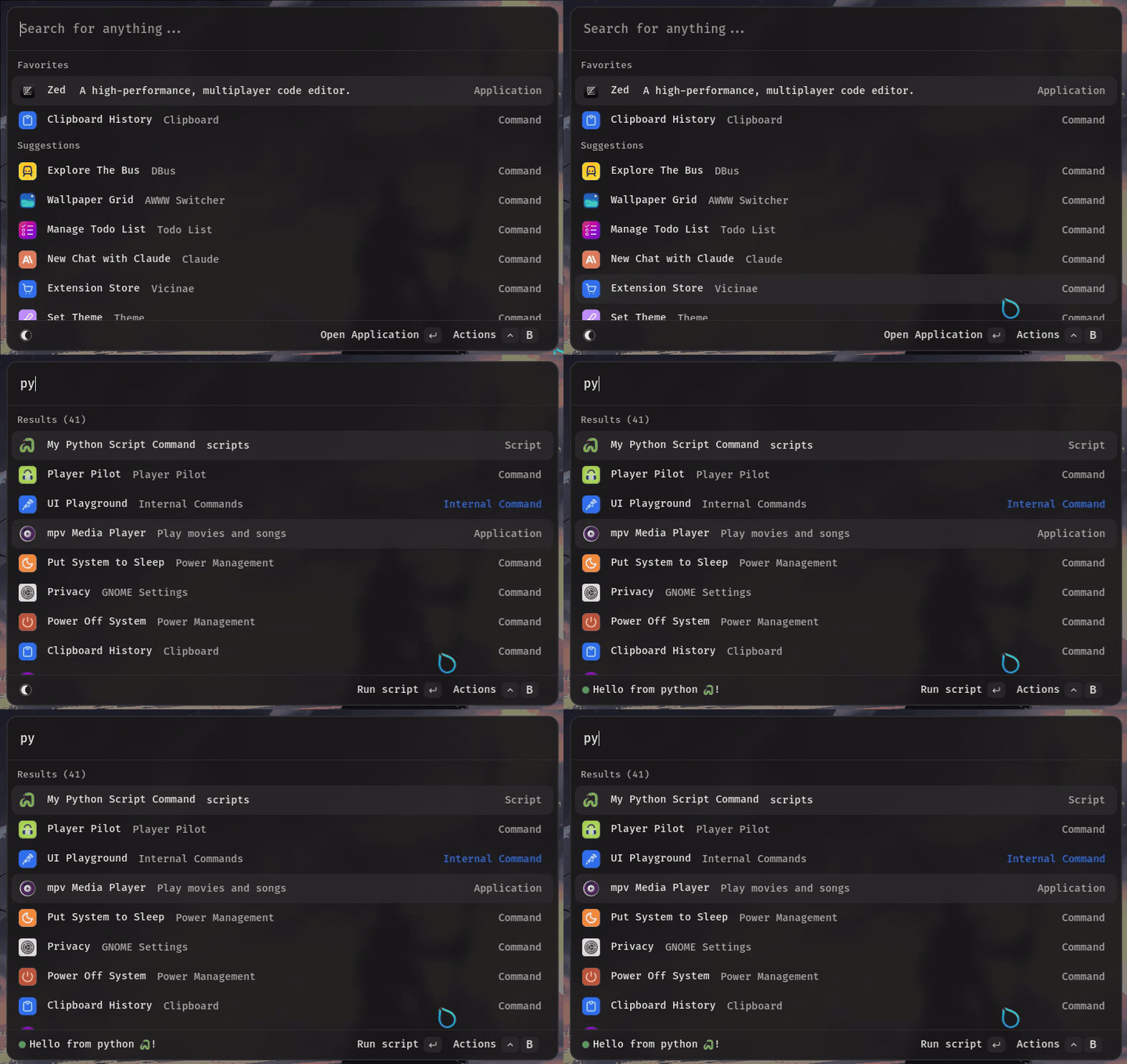
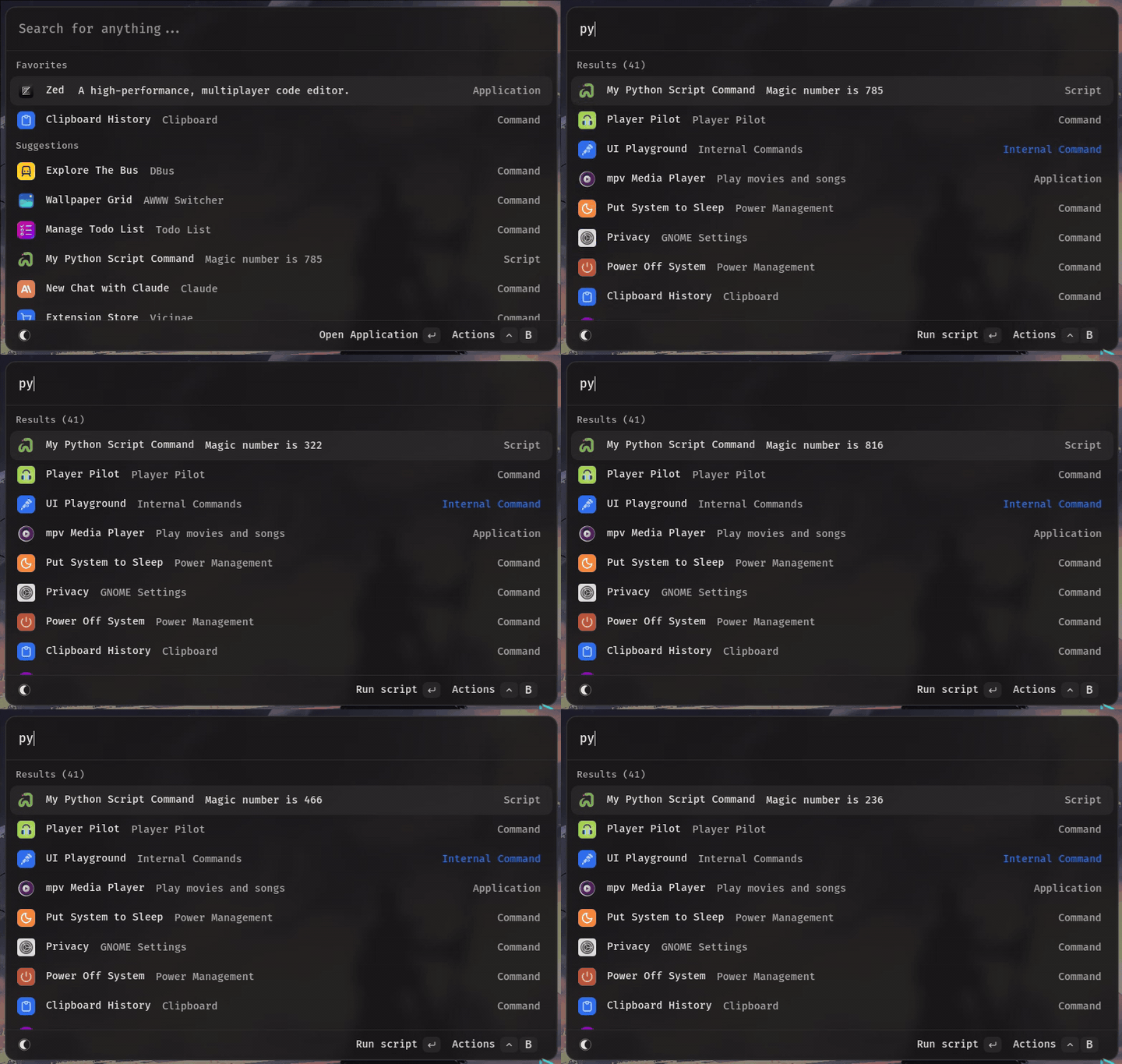
Inline
The first output line of the script is used as the command subtitle, and is refreshed on every execution.
Terminal
The script is executed in a new terminal window. If the default terminal supports it, --hold or an equivalent flag is passed to keep the terminal window open even when the script is done executing.