
Install on macOS
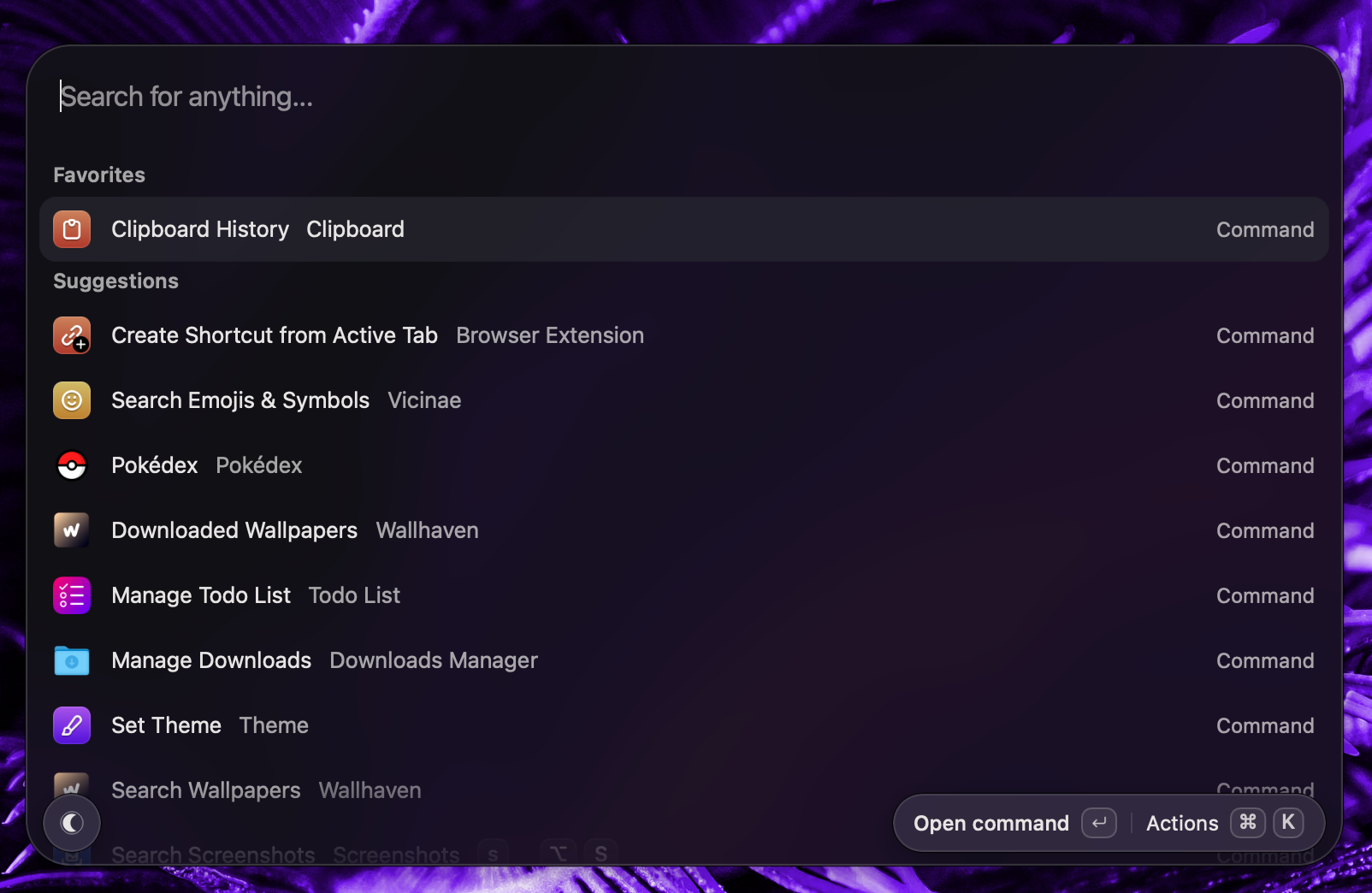
Vicinae ships as a notarized .dmg for Apple Silicon Macs.
macOS support is in beta since v0.23.0. All current Vicinae features are supported on macOS. Please report anything odd using the "Report a Vicinae bug" command.
Requirements
- macOS Sonoma (14) or newer
- An Apple Silicon Mac: Intel Macs are not supported
Install from DMG
Download Vicinae.dmg from the latest release, open it, and drag Vicinae.app into your Applications folder.
Then launch the app and you will be greeted by an onboarding screen.
CLI usage
You can access the vicinae CLI by symlinking it from the bundle like so:
ln -sf /Applications/Vicinae.app/Contents/MacOS/vicinae-cli ~/.local/bin/vicinae
Update
Vicinae will inform you when an update is ready to install.
Homebrew install
You can install the cask for Vicinae as follows:
brew install --cask vicinae
This assumes you will handle updates using brew as Vicinae will not propose you to manually update if you installed it from homebrew.
Note that the vicinae CLI is also automatically installed and linked for you.