
Install on Windows
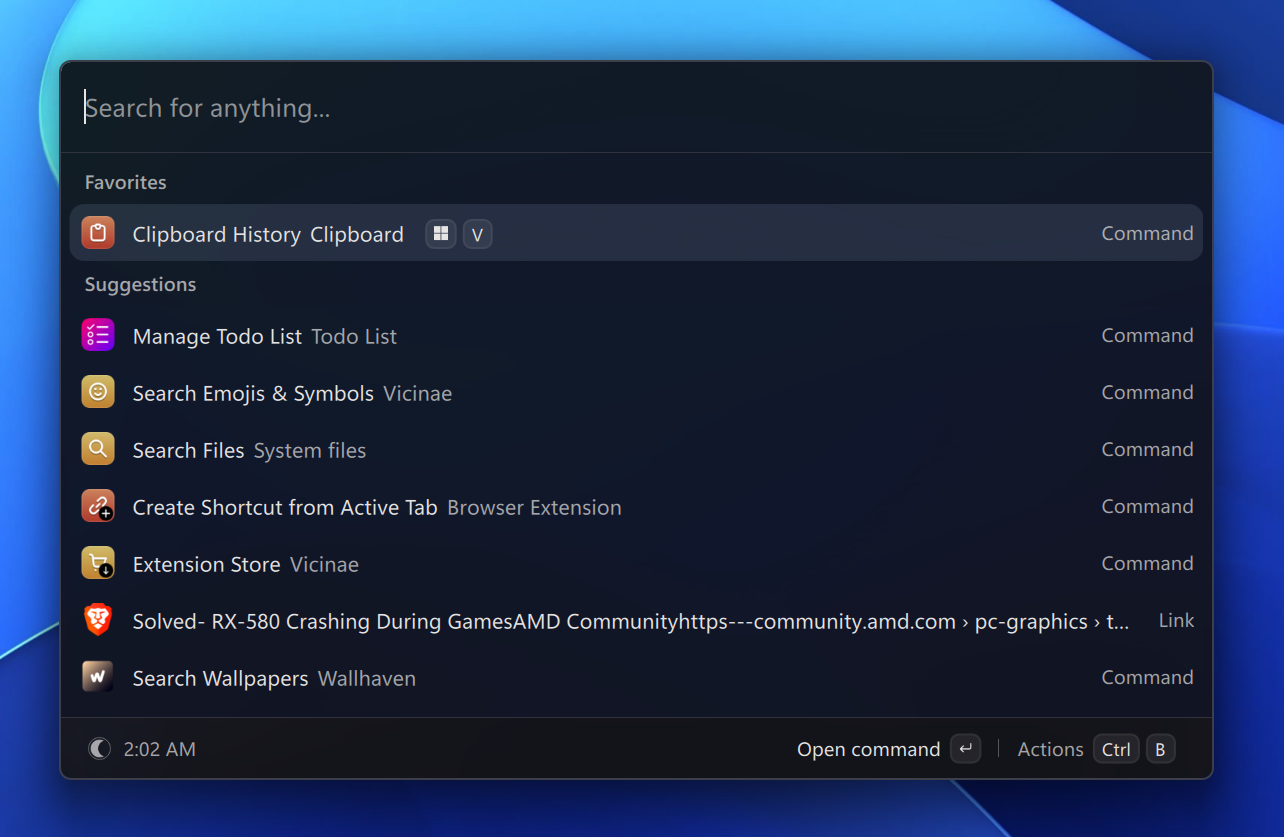
Vicinae for Windows is available since version v0.29.0.
Requirements
Windows 11 is strongly recommended.
Windows 10 likely works, but is not thoroughly tested.
Installation
You can grab the installer or the portable build.
The installer is signed but since the signing account is very new, you will likely get a warning from Windows Smart Screen. This is harmless and you can proceed to run the installer normally. The warning will go away as more people download the installer.
CLI usage
Although most users do not need it, Vicinae has a command line interface which can be used to do some scripting.
You can add $env:LOCALAPPDATA\Programs\Vicinae\bin to your PATH in order to access it from the console.
Update
Vicinae will inform you when an update is ready to install.
Winget
Coming soon...