
Create your first extension
This page explains how to create your first extension.
Requirements
In order to develop extensions, you will need:
- A working installation of Node.js (>=20 recommended). If you are on Linux, your package manager may have handled that for you already.
- An npm-compatible package manager such as
npmorpnpm. We always usenpmin our examples. - Basic knowledge of TypeScript and React. No need to be an expert to build simple extensions.
Create Your Extension
The most straightforward way to create an extension is to use the Create Extension command from within Vicinae:
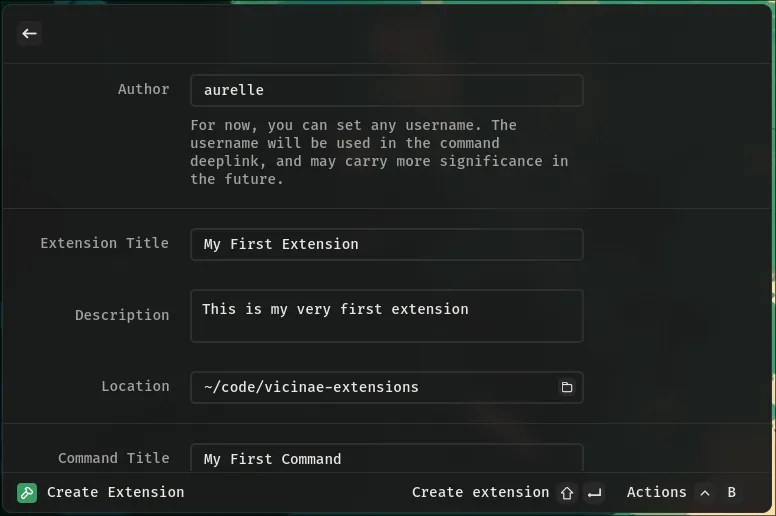
Fill in all the fields, then press Shift + Enter to create the extension:
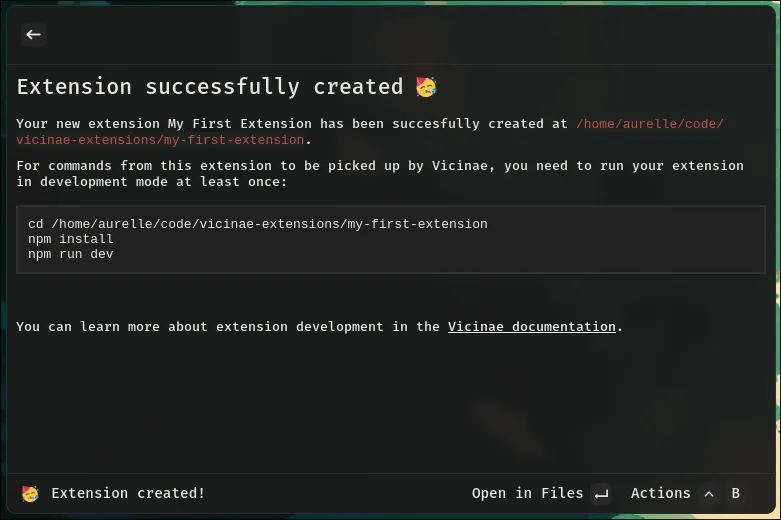
As instructed, move to your newly created extension directory and install the required dependencies:
npm install
Once that is done, start your extension in development mode (Vicinae needs to be running):
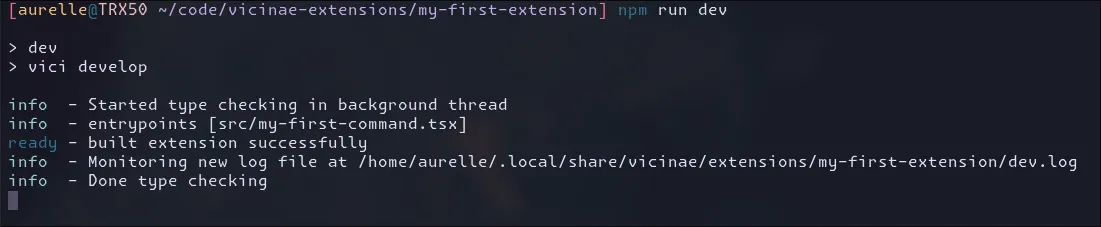
npm run dev
If all is going well, the command should output something like this:
Your extension should now come up when searching for it in the root search:

And then simply open it for the first time:
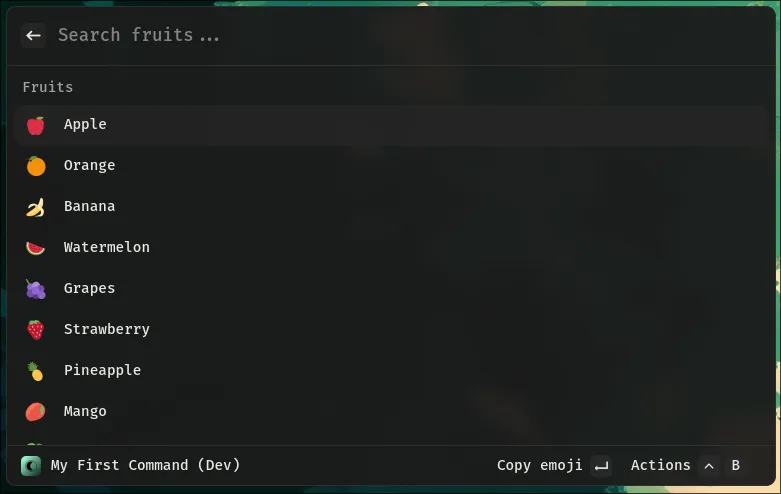
Notice the (Dev) suffix in the navigation title. This means you are running the command as part of a development session.
In this mode, the development version of React is used and the command outputs its logs to the console where you started the session.
In development mode, the extension is also updated every time you save a file.